
TL;DR · executive summary
What you’ll find in this article
Monday, 9:05 a.m. Quick meeting. Marketing celebrates “200 new leads”; sales replies that they don’t recognize half of them, that the forms arrive without context and that several “hot” opportunities are still without an owner. At noon, the manager asks for foresight and no one dares to give a figure: there are undated proposals sent, duplicate contacts and conversations stored in privat...
Monday, 9:05 a.m. Quick meeting. Marketing celebrates “200 new leads”; sales replies that they don’t recognize half of them, that the forms arrive without context and that several “hot” opportunities are still without an owner. At noon, the manager asks for foresight and no one dares to give a figure: there are undated proposals sent, duplicate contacts and conversations stored in private trays. In the afternoon, a potential client writes to “pick up” a demo that no one remembers. That daily friction rings a bell because it costs you revenue. Here comes into play the question that matters to take back control: what is a CRM and what is it for.
Según Precedence Research (2025), el mercado global de CRM alcanzará los 126.170 millones de dólares en 2026, con un crecimiento proyectado a 320.990 millones para 2034. — Fuente: Precedence Research, 2025
This guide gets to the point. It shows you how to go from an improvised flow to a commercial system that breathes rhythm: capture with criteria, qualify with data, advance opportunities with clear rules and close with real follow-up, not faith.
What is a CRM and what is it used for (the answer you need)
A CRM is a system that centralizes customer relationships and opportunities in one place, with clear objects (accounts, contacts, opportunities, activities, tickets) and measurable progress rules . Its value is not in storing, but in directing action. Without tasks, reminders and exit criteria by stage, a CRM is a pretty notebook. With method, it becomes the operating system of B2B growth.
What is a CRM for in your day-to-day business?
- Standardize the commercial process with stages and criteria that avoid creative interpretation.
- Prioritize by probability, value and urgency so that each salesperson focuses on what adds up to cash.
- Align marketing and sales through handoffs with context: lead source, content consumed, campaigns, discovery notes.
- Attribute to revenue (not downloads) by connecting CRM with billing/ERP.
- Increase retention and expansion with renewal alerts, account health and up/cross-sell playbooks.
- Forecast on the basis of panels by stage, age and actual probability of closure.
The opportunity cost of not having it
Three common leaks that explain why you don’t reach targets:
- Data clutter: duplicate leads, unowned accounts, empty key fields. If you don’t segment, you don’t decide.
- Invisible process: each person sells “in his own way”. A manager does not manage what he does not see.
- Baseless forecasting: opportunities with invented dates and fantasy probabilities. Management decides with smoke and mirrors.
CRM fixes the skeleton of the go-to-market: same language, same dashboard, same rules. When the whole team looks at the same dashboard, the discussion shifts from “opinions” to “data.” That transition is noticeable at the checkout.
Components that make a difference
Well-defined master data
- Accounts with industry, size and ownership.
- Contacts with role in the purchase and validated email.
- Opportunities with stage, amount, estimated date, source and next step.
- Mandatory fields that allow you to segment without requesting ad hoc excels.
Pipeline with output criteria
Each stage needs clear conditions to move forward (meeting held, budget sent, decision-makers identified, validation of fit). Zero ambiguity. Stages are not creative labels; they are locked doors.
Activity log with context
Calls, emails and meetings within the CRM. If a conversation lives in a private inbox, it doesn’t exist for the business. Integrating email and calendar is basic from day one.
Automations that do move the needle
- Allocation of leads by rules (territory, vertical, size).
- Automatic tasks after critical events (no-show, proposal sent, 14 days without activity).
- Risk alerts: unowned opportunities, inflated pipeline, expired dates.
Critical integrations
- Marketing automation and forms to bring source, campaign and consumed assets.
- VoIP/telephony to record calls and measure effective contact.
- Digital signature to reduce friction in proposals.
- ERP/invoicing to close the loop and attribute to revenue.
Metrics that rule (and how to read them)
Pipeline velocity
Combines: number of opportunities × closing rate × average ticket ÷ cycle time. If it goes down, there is bottleneck in middle stages or inflated at the beginning.
Win rate by origin
The question is not “how many leads come in”, but “what source converts to customers“. Cut investment where there is no closure and accelerate where there is.
Sales cycle by segment
Comparing SMB, mid-market and enterprise reveals where you are competitive and where you are wasting time.
Activity correlating with closures
No more “call volume” as a goal in itself. Measure sequence (contact-meeting-proposal) and rate of progress per stage.
Retention and expansion
If your model is recurring, the CRM should monitor renewals and expansion opportunities with playbooks and alert dates.
CRM types and fit by model
Sales CRM (Sales)
Core for B2B with consultative selling: pipeline, accounts, contacts, opportunities, tasks, forecasting.
Marketing CRM (Leads & Nurturing)
Capture, scoring, automations, multi-touch attribution. Useful if your top-of-funnel depends on content and campaigns.
Service CRM (Support/CS)
Tickets, SLAs, knowledge base, satisfaction surveys. Key when the post-sales experience affects renewal.
Suite vs. best-of-breed
- Suite: native data in the same frame, less friction.
- Specialists: depth in each piece.
Choose according to your process, your indispensable integrations and TCO (licenses + implementation + adoption).
Alignment marketing-sales-prosales
MQL/SQL acceptance rules
Marketing does not deliver noise: industry, size, fit, intent. Sales responds within a defined SLA and records the result (accepted, returned with reason).
Shared panels
- Address: forecast, revenue by origin, CAC/LTV if available.
- Managers: pipeline coverage, velocity, funnel by stage.
- Commercial: tasks, next steps, prioritized portfolio.
Continuous feedback
Standardized loss reasons: price, timing, non-fit, status quo. Without this information, there is no improvement in the proposal or speech.
CRM selection: checklist that avoids wrong purchases
Business requirements
- Processes to be standardized in 90 days.
- Non-negotiable integrations (email/calendar, forms, ERP, signature).
- Permissions and hierarchies according to your structure.
Data requirements
- Required fields per object.
- Standardized lists (stages, industries, countries).
- Anti-duplication rules (email, domain, VAT number).
Security, privacy and GDPR
- Roles, profiles, change auditing.
- Retention and deletion under GDPR (consent, legal basis, data subject’s rights).
- Data location, encryption in transit and at rest, SSO if possible.
Total cost and scalability
- Licenses, implementation services, maintenance and training.
- Opportunity cost of business as usual: untreated leads, pipeline leakage, failed forecasts.
Implementation in 90 days: concrete road map
Week 0-2: process and data
Map stages, define output criteria and the data dictionary. Without this, everything else is makeup.
Week 3-5: base configuration
Objects, fields, validations, permissions and queues. Connect email and calendar from day one.
Week 6-7: Minimal integrations and automations
Forms, lead sources, assignment, next step reminders and inactivity alerts.
Week 8: meaningful reporting
5-7 dashboards: forecast, win rate by source, sales cycle, velocity, effective activity. No dashboards that look good but don’t change decisions.
Week 9-10: Role-based training
It’s not “teaching screens”. It’s playbooks: what to record, when, how and why. And what happens if you don’t.
Week 11-12: hypercare and improvement
Cleaning of duplicates, field adjustments, adoption review and quarterly improvement plan.
Migration from sheets or from another CRM
Migration checklist
- Field auditing and 1:1 mapping.
- Pre-deduplication and list normalization.
- Import by objects with active validations.
- Sandbox testing and system cutover with rollback plan.
Change management
- “What’s in it for me today” for each role (sales, marketing, management).
- Clear rules: if it’s not in the CRM, it doesn’t exist.
- Reinforcement in the first 4 weeks: close support, quick adjustments, holding quick wins.
Un estudio de DemandSage (2025) revela que el 91% de las empresas con más de 10 empleados ya utilizan software CRM, con un crecimiento interanual del 12,6%. — Fuente: DemandSage, CRM Statistics, 2025
Best CRM
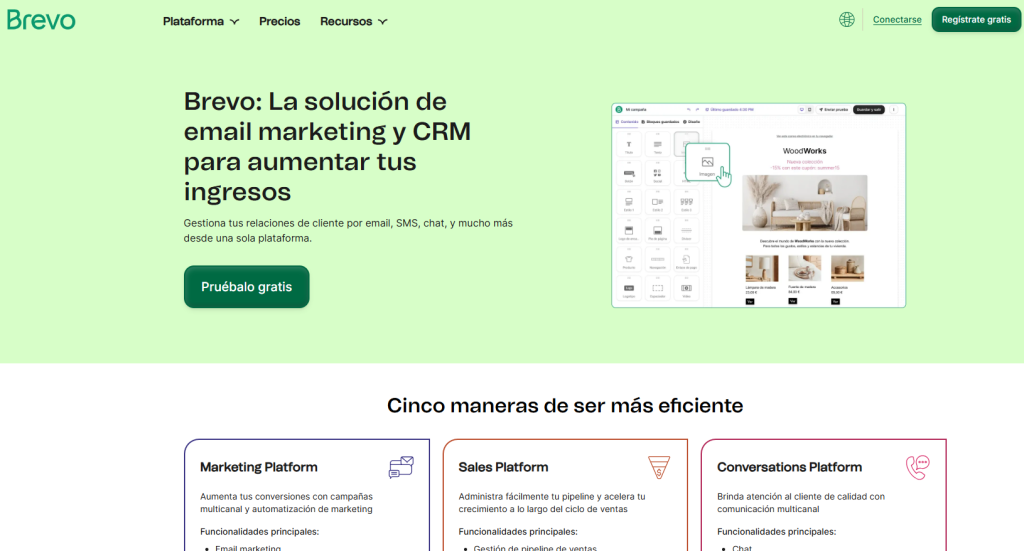
Brevo
CRM and multichannel marketing platform that unifies contacts, sales pipeline with drag & drop dashboards, task and meeting registration, deals and scoring automations, plus email, SMS and WhatsApp in one place. It integrates with forms, telephony and other apps so that marketing and sales work with the same data and revenue attribution, with flexible plans (including free option) and focus on usability for SMEs and B2B teams that want to move from single campaigns to a measurable commercial system.
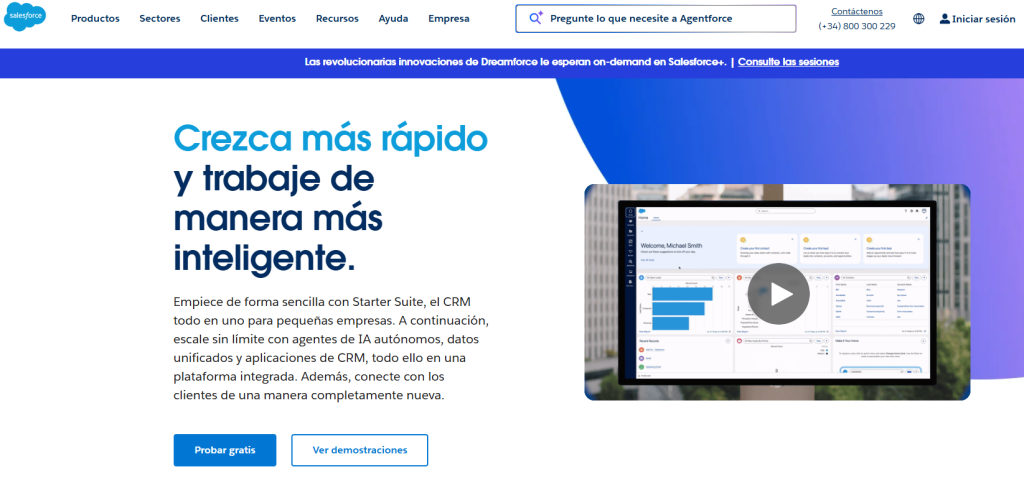
Salesforce
Cloud CRM that unifies sales, marketing, service and commerce to provide a single view of the customer and operate with greater productivity and efficiency. In Sales Cloud you’ll find account and opportunity management, activity tracking and automatic email and event capture, along with sales cycle automation and revenue forecasting. All designed to sell faster and with better traceability. In addition, its
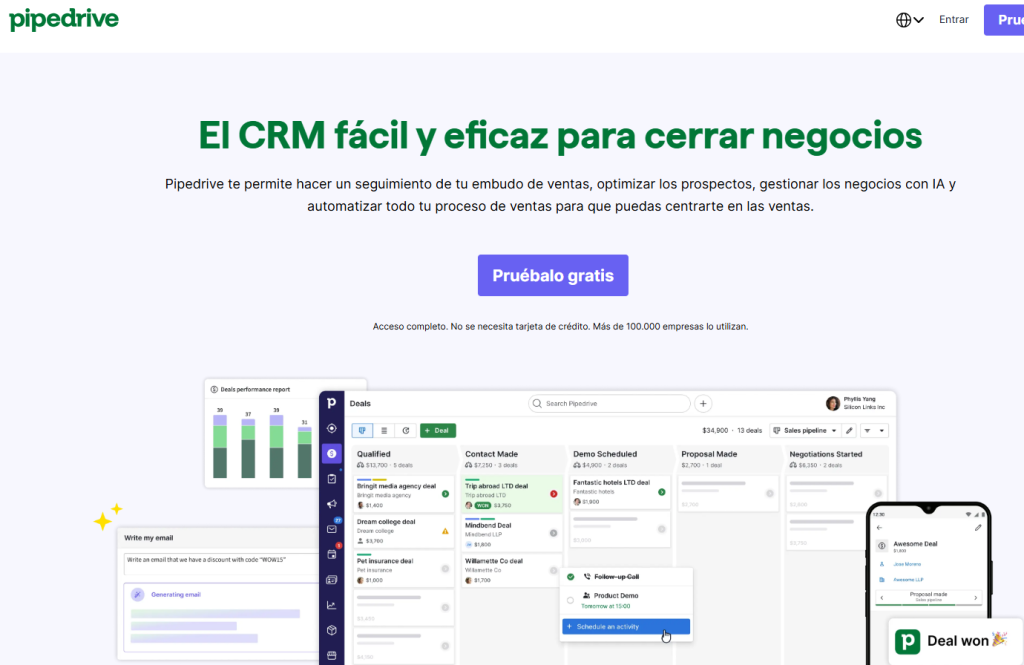
Pipedrive
This sales CRM focused on the visual pipeline: you can customize stages and fields, drag opportunities between phases, and work with tasks and reminders so nothing is left untracked. It integrates with email (email and calendar sync), adds automations and an AI wizard that suggests actions and helps prioritize, and offers Smart Docs with electronic signatures to close faster without leaving the system. In addition, its Marketplace connects with hundreds of apps to extend functions, and has scalable plans and a 14-day free trial designed for teams that want to streamline the process and improve forecasting with clear dashboards.
Hubspot
All-in-one platform to manage marketing, sales, service, web and operations, with a free plan and paid levels (Starter, Professional, Enterprise) that add automation and advanced reporting. It includes CRM base (contacts, companies, deals, tasks, email and logged calls), Marketing Hub (forms, landings, email, ads, SEO, networks and workflows), Sales Hub (sequences, meetings, quotes, forecasting), Service Hub (tickets, SLA, knowledge base, chatbots and surveys), CMS Hub (web drag-and-drop, A/B, dynamic content) and Operations Hub (bi-directional synchronization, data cleansing and webhooks), plus an ecosystem of integrations and APIs.
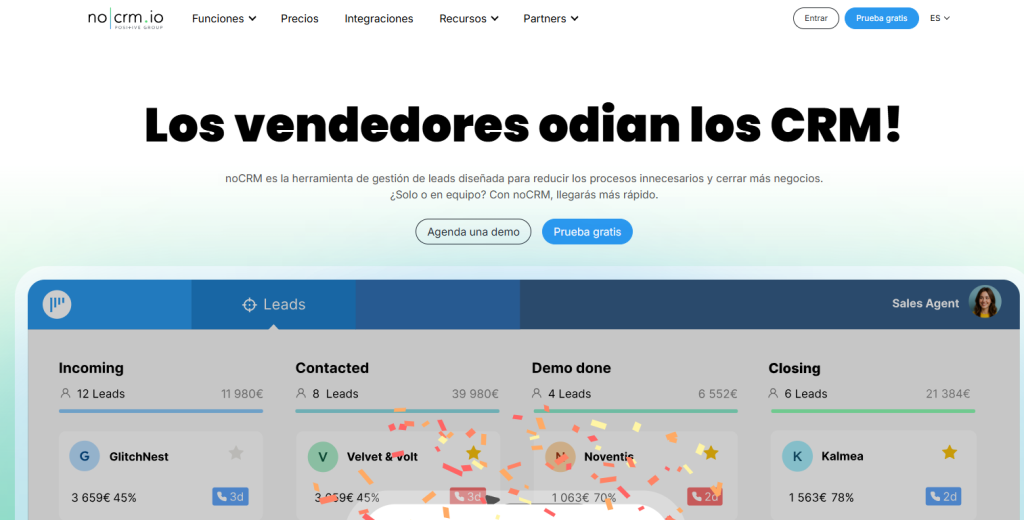
noCRM
You can centrally manage leads in prospecting and sales follow-up. It is designed for sales teams that need simplicity and focus on actions: you can capture leads from email, web, CSV or Lead Clipper, organize them in Kanban-like pipelines with tasks and reminders, record calls and emails with templates, assign goals, measure performance with reports and collaborate by teams. It also includes prospecting lists, call results, customizable fields and stages, mobile apps, APIs, webhooks and integrations (Google/Microsoft, Slack, Zapier, telephony such as Aircall/Ringover).
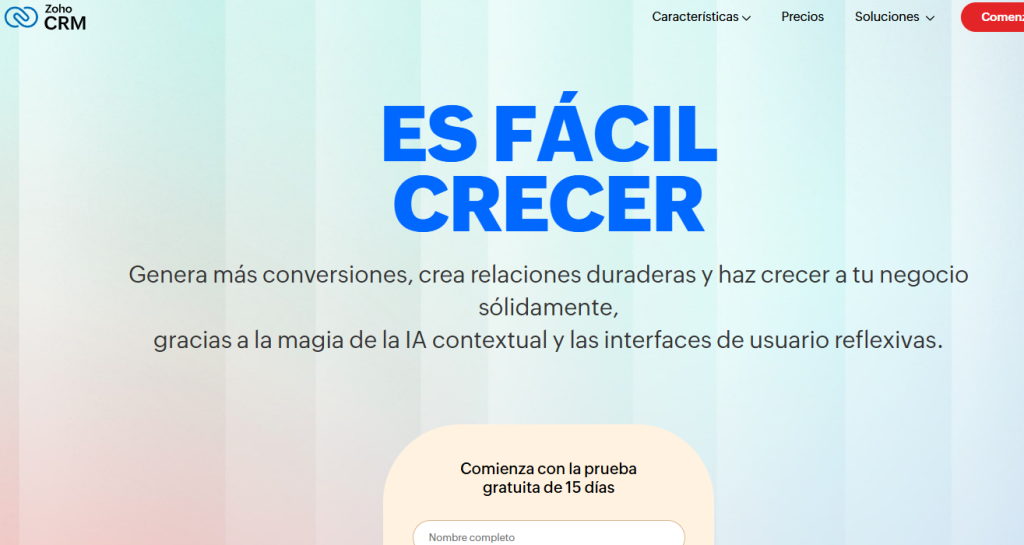
Zoho
With Zoho you can manage customer relationships focused on sales and automation, with Free, Standard, Professional, Enterprise and Ultimate plans. It offers lead, account, contact and opportunity management, pipelines and forecasting, automation by rules and flows, email templates, quotes and products, omnichannel (mail, phone, chat and networks), mobile apps and Zia assistant for predictive scoring and recommendations. Integrates with the Zoho ecosystem (Campaigns, Desk, Books, Analytics) and with third parties via Marketplace, API and webhooks, includes granular permissions, auditing, SSO and RGPD functions.
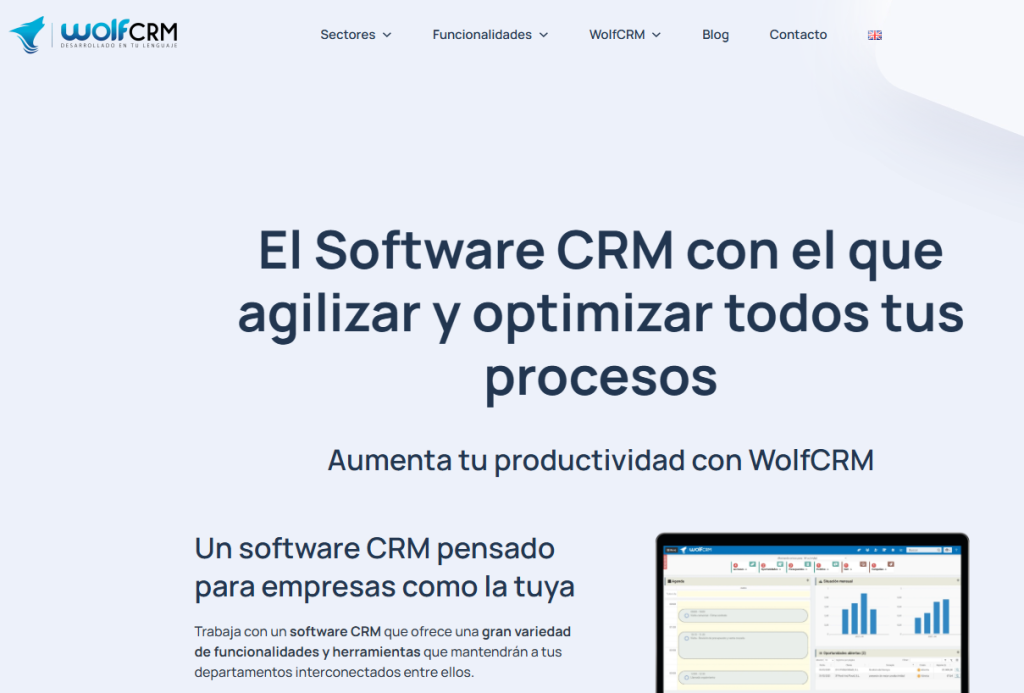
WolfCRM
Developed in Spain and focused on sales and strong sector specialization (wineries, energy, agri-food, engineering and construction). You can manage leads, opportunities and orders with traceability, customer portal, process automation and analytics with dashboards, plus customer service module, integrations and API. It can be deployed in the cloud and also on-premise according to vendors and reviews. It is a CRM that stands out for its customization and agile implementations and its connection with ERP.
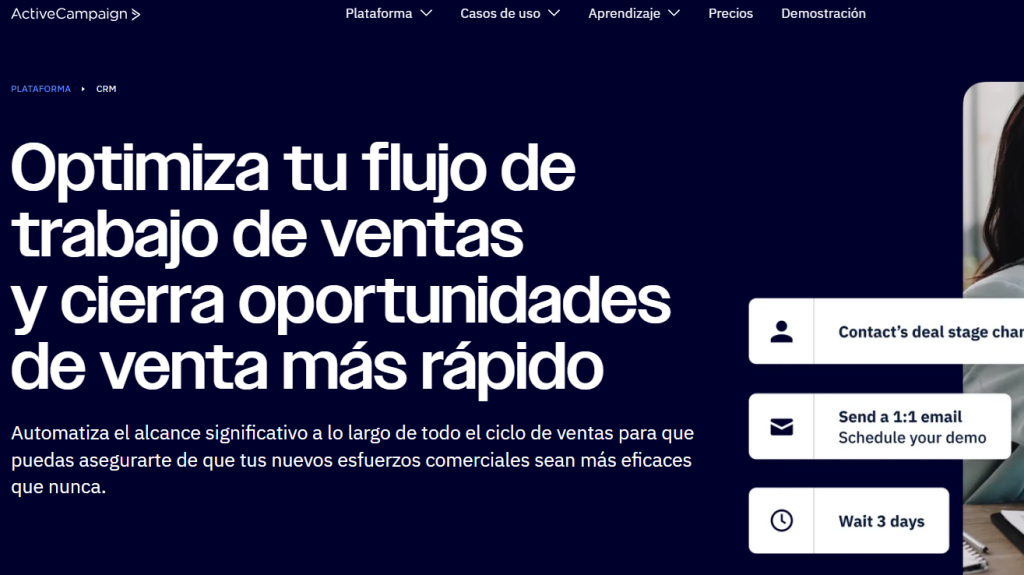
ActiveCampaign
Sales and marketing automation platform with integrated CRM that unifies email marketing, visual journeys, lead scoring, web/event tracking, SMS, forms and landing pages, ad audience sync, e-commerce (Shopify/WooCommerce) and advanced features such as A/B testing in automations, predictive sending, attribution and custom objects. CRM includes deals on pipelines, tasks, sales automations and mobile apps, with integrations (Google/Microsoft, Meta, Stripe, Zapier, 900+), API and GDPR compliance. Typical plans: Lite, Plus, Professional and Enterprise, which scale in functionality and support.
Monday
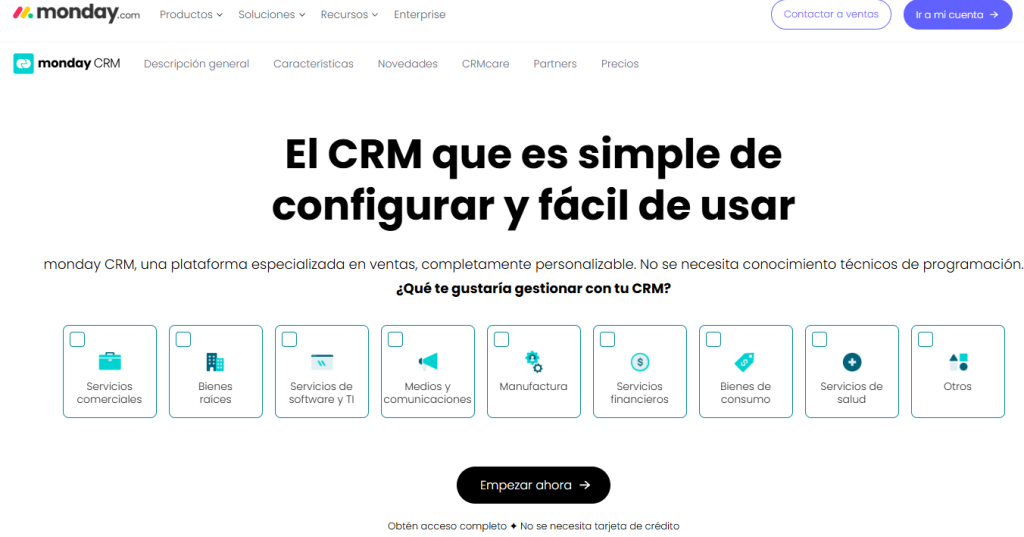
Monday.com is a modular Work OS and CRM platform for planning projects, sales and operations in customizable dashboards with columns, status, dates, dependencies and “if/then” automations. It offers Gantt, Kanban and calendar views, time tracking, dashboards with metrics, forms, collaborative Docs, mobile apps and marketplace, plus CRM with deal pipelines, activities, email templates, products, forecasts and reports. Can integrate with Google/Microsoft, Slack, Zoom, HubSpot, Salesforce, Shopify, Zapier and more, with APIs and webhooks.
Frequently Asked Questions
What CMOs and directors ask us.
8 concrete questions answered in ≤ 80 words · optimal format for AI Overviews.