
TL;DR · executive summary
What you’ll find in this article
Almost every company I talk to already uses AI somewhere. Almost none of them has a clear idea of where it really helps and where to start. This guide walks through the most common use cases of AI for business and proposes a simple way to start without buying anything too early....
Almost every company I talk to already uses AI somewhere. Almost none of them has a clear idea of where it really helps and where to start. This guide walks through the most common use cases of AI for business and proposes a simple way to start without buying anything too early.
I am speaking from what I see in B2B projects, not from a market study. That is why you will not find adoption figures here: you will find criteria.
What AI for business means in practice
When someone says their company uses AI, they can mean three very different things. One person using an assistant to write an email. A team that has automated a repetitive job. Or a company that has redesigned a process so that part of the work is done by a system. All three are AI, but they are not worth the same and they do not cost the same.
My usual distinction is tasks versus systems. A single task saves a person a few minutes. A system changes how a whole team works. In a company, the value is usually in the second, even though you almost always start with the first.
Generative AI in companies: where it saves time
Generative AI creates new content from what you ask for: text, summaries, classifications, images or code. It fits best where there is a lot of text and little new judgement to add:
- First drafts. Emails, proposals, product descriptions. Someone with judgement reviews them and signs them off.
- Summaries. Meetings, long email threads, reports and contracts.
- Sorting and tidying. Tagging incoming requests and separating the urgent ones from the routine ones.
- Extracting data. Pulling amounts, dates or names from documents that today are typed in by hand.
Where it fits worst: decisions that demand accountability or exact data that nobody checks. A generative model can be wrong with great confidence, which is why, in my experience, a person should always review what comes out.
ChatGPT for business: what it covers and where it falls short
For most teams, the first contact with AI is a general-purpose assistant such as ChatGPT. It is a good starting point: trying it costs little and quickly shows what to expect. It covers individual work well, such as writing, summarising, organising ideas or preparing a meeting.
It falls short when the work stops being individual. It does not know on its own how your company works, it is not connected to your CRM or your processes, and each person uses it their own way, with whatever data they decide to paste. That is where the problems begin: results that cannot be compared, customer data in places nobody chose, and work that depends on who is best at writing the instructions.
That is why, before rolling it out across the whole company, I would define which data can go in and who is accountable for it.
Use cases by department
These are the cases I see most often in B2B companies. None of them requires starting with something big:
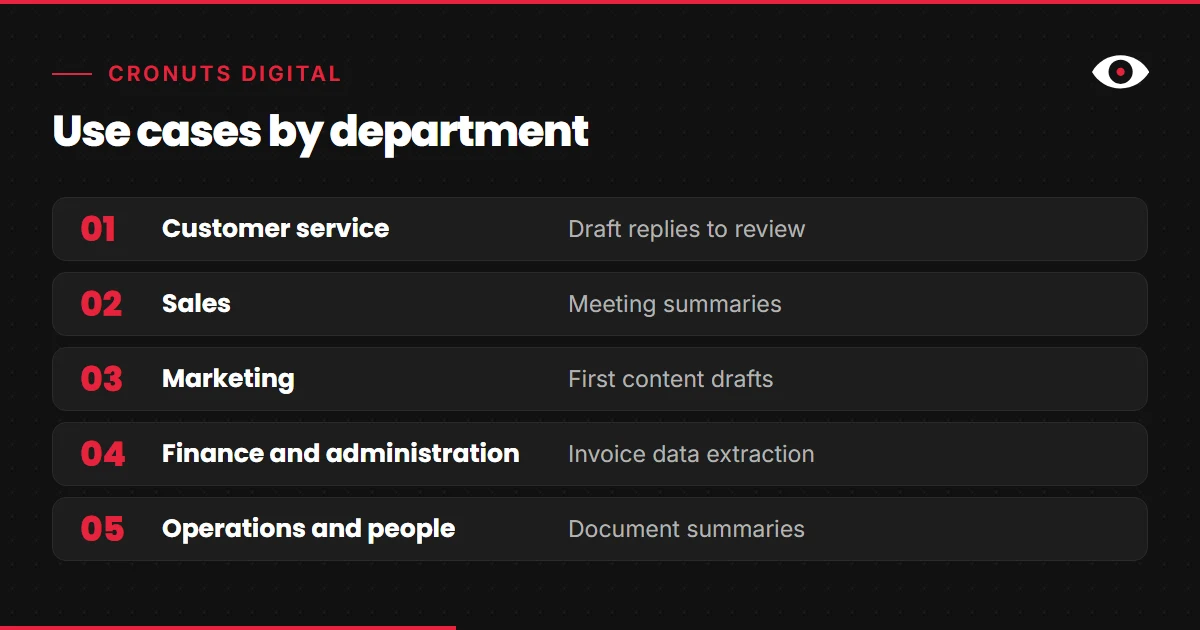
- Customer service. Draft replies to review, sorting of requests and a summary of the history before answering.
- Sales. Meeting summaries, call preparation with public information about the company and help prioritising leads.
- Marketing. First drafts of content, ad variations to test and research summaries. Strategy and judgement stay human.
- Finance and administration. Extracting data from invoices, helping with reconciliation and drafting reminders.
- Operations and people. Summarising documentation, preparing job descriptions and answering employees’ frequent questions.
When the case is asking questions of the company’s own documents, there is a specific approach that we explain in enterprise RAG (page in Spanish). And when the goal is for the system not only to answer but to run chained tasks, the next step is agents that run tasks from start to finish. Before that, it pays to master the simple cases.
How to choose the first use case
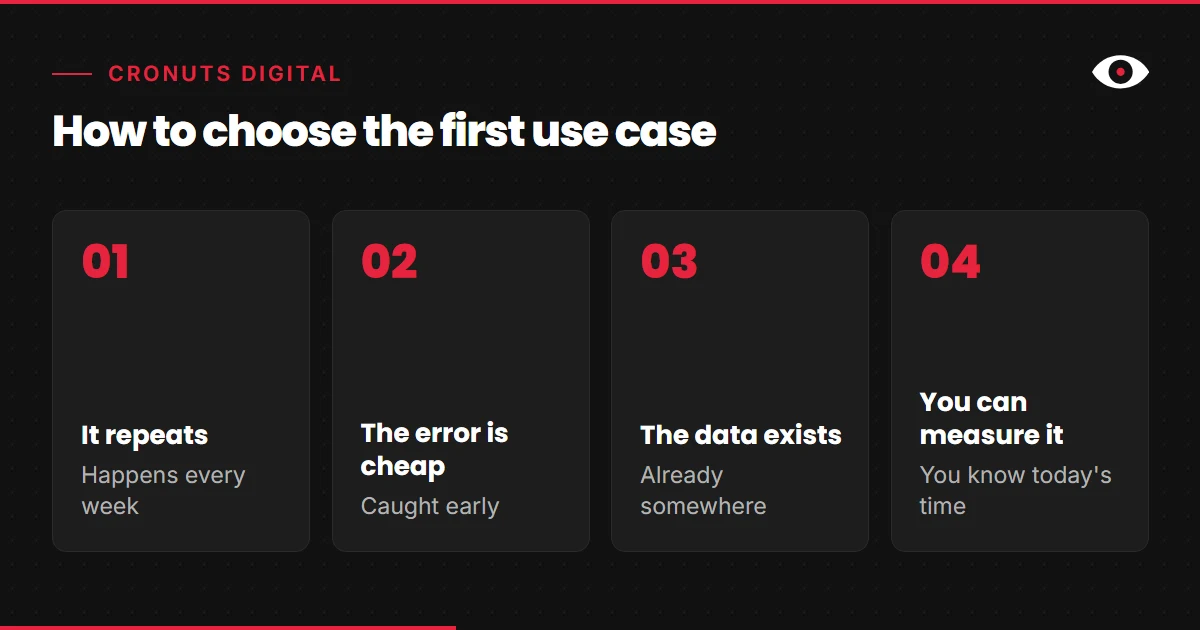
The first case decides whether the company gains confidence or is left with the impression that AI is useless. I would choose it with four criteria:
- It repeats. A task that happens every week gives more than one that happens once a year.
- The error is cheap. If it fails, someone spots it early and there are no serious consequences.
- The data exists. The information you need is already somewhere and can be used.
- You can measure it. You know how much time or how many errors the process has today.
If a case does not meet all four, I would leave it for later. A good first case is usually less eye-catching than management imagines, and that is exactly what makes it useful.
Want to know which use case to start with in your company?
Start with an initial audit of your processes and of what your team already uses. Free audit
How to start without setting up a giant project
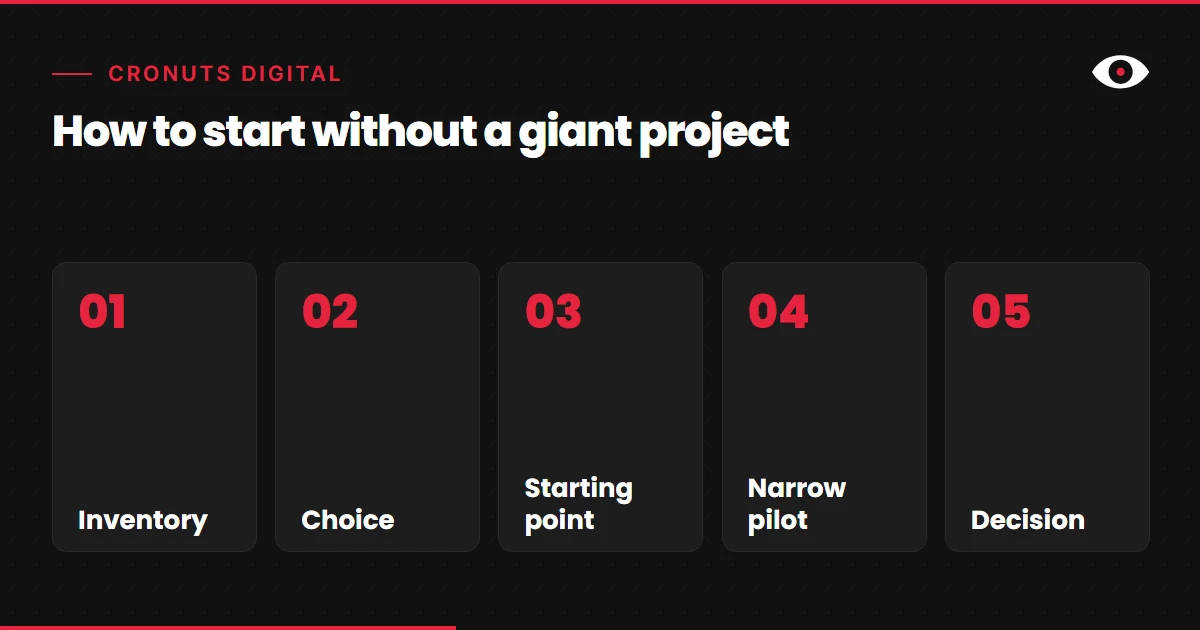
What I recommend is a short route, with one person in charge and an exit criterion:
- Inventory. Which AI tools are already in use and for what.
- Choice. One use case that meets the four criteria.
- Starting point. How long that process takes and how often it fails today.
- Narrow pilot. A small team, a short period and one person who reviews the results.
- Decision. With what you measured, continue, adjust or withdraw.
If you prefer to do it with outside support, on the cronuts AI agency page (in Spanish) we explain which products we implement and how we work as a B2B consultancy.
Mistakes I see when starting
- Buying the tool before choosing the problem. The licence does not decide what to solve.
- Starting with the most ambitious case. If the first attempt takes months, confidence is lost.
- Not measuring the starting point. Without it, nobody can say whether anything improved.
- Leaving it without an owner. If it has no name and surname, nobody answers for it.
- Removing human review. AI speeds up the work, it does not replace the person who answers for it.
What I would do this week
I would ask each team lead to write down one task that repeats, that takes up their time and whose error would be cheap. With that list on a sheet, I would apply the four criteria and keep only one. Then I would measure how long it takes today, without changing anything yet.
With that you already have a first case and a starting point. If you want to review it with me, start with the free audit.