
TL;DR · executive summary
What you’ll find in this article
A low cost per lead is good news only if those leads buy. In the accounts I review, the campaign report usually ends at the form, and from there it is easy to feel good about a cost that keeps falling while sales complains that the contacts are useless. What fails there is lead quality, not cost....
A low cost per lead is good news only if those leads buy. In the accounts I review, the campaign report usually ends at the form, and from there it is easy to feel good about a cost that keeps falling while sales complains that the contacts are useless. What fails there is lead quality, not cost.
This article is not about lowering cost per lead. It is about checking whether your paid media brings customers or just forms, with five checks you can run with what you already have: the CRM, the campaign sheet and your latest sales.
Why a low cost per lead can mislead
Cost per lead divides spend by the forms received. It does not distinguish between someone who might buy and someone who is just looking for information, a supplier offering their services or a student. Two campaigns with the same cost per lead can bring very different audiences.
There is also an effect worth keeping in mind: an ad platform can optimise towards the conversion it is told about. If it only sees forms, it may end up looking for more forms like them, not more customers.
And a click is not intent. A click says the ad caught someone’s attention. It does not say the person has a need, a budget or the power to decide.
That is why it helps to separate three words that, in the reports I review, are used as if they meant the same thing. A lead is a person who has left their details. An opportunity is a lead that sales has assessed and considers worth a proposal. A customer is whoever ends up paying. Cost per lead only measures the first of the three steps.
Five signs your paid media brings forms, not customers
You don’t need an audit to suspect it. In my experience, recognising a few of these signs is usually enough:
- Sales discards many leads. Without calling them, or after a short conversation in which it is clear they don’t fit.
- The reason for discarding repeats. “It wasn’t what they were looking for”, “no budget”, “they’re a supplier”.
- The cheapest campaign is the one that generates the fewest opportunities. Its cost per lead is the best in the report and its cost per opportunity the worst.
- Nobody knows which campaign the last sale came from. The CRM stores a name and an email, with no source.
- Marketing reports in leads and sales talks in euros. Each team has its own table and they never sit down with the same one.
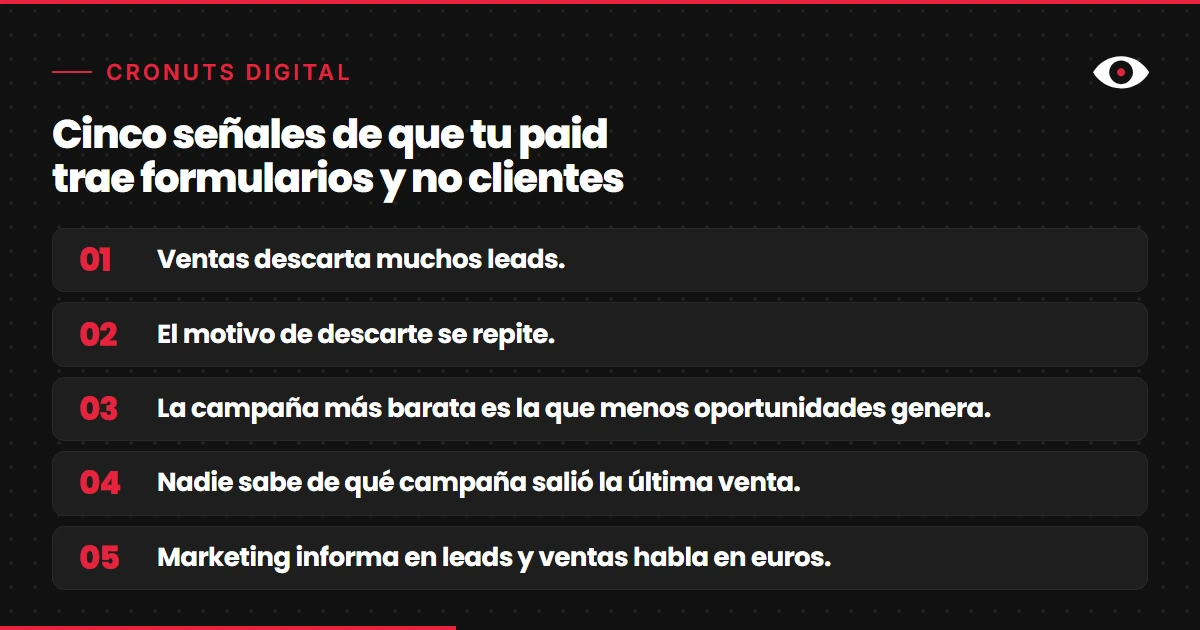
A single sign can be chance. If you recognise three, cost per lead is telling you little about what matters.
To check them you don’t need any new tool. It is enough to pull from the CRM the paid leads of the last few months, with their status and discard reason, and put them next to the campaign sheet. If the CRM doesn’t store the discard reason, that absence is already an answer: nobody is measuring quality.
Want to know which campaigns bring you customers?
Start with an initial diagnosis of your paid media and your CRM. Free diagnosis
How to measure lead quality by campaign
A table with one row per campaign and four columns is enough to start:
- Leads received. The figure you already have.
- Leads that sales rates as an opportunity. With the definition written down, so everyone counts the same thing.
- Closed sales and their value. Even if the cycle is long, you note it when it arrives.
- Cost per opportunity and cost per customer. In addition to cost per lead, not instead of it.
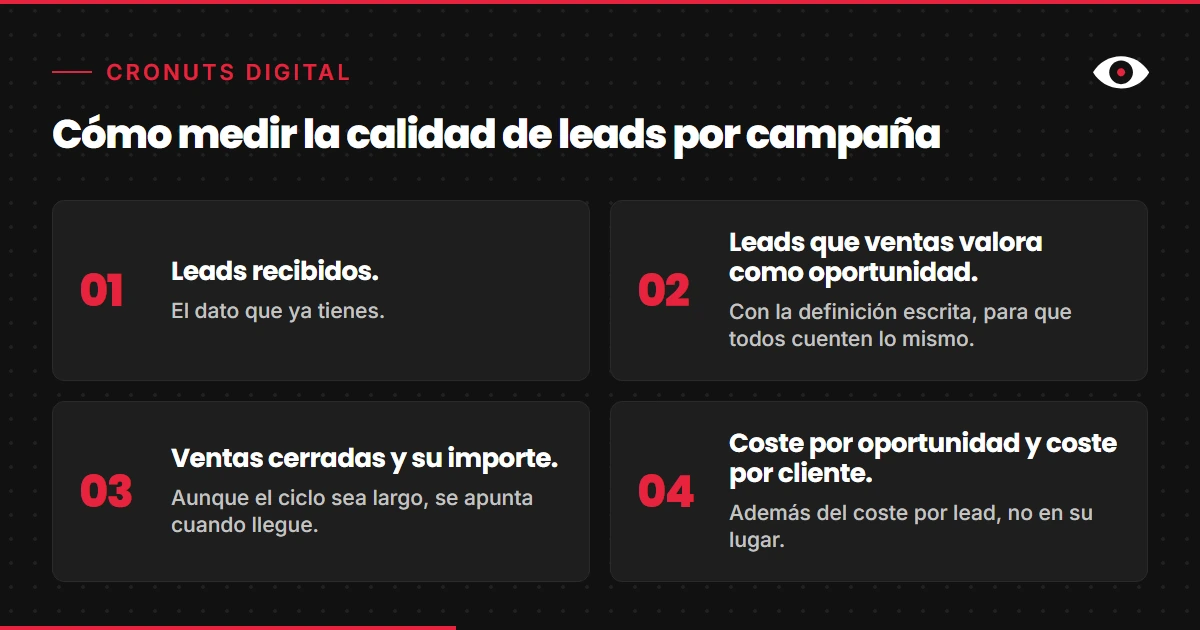
Compare campaign by campaign, not the total. The average hides the fact that one campaign buys customers and another buys forms. If the volume is small, don’t draw conclusions from three leads: use longer periods or group similar campaigns.
Cost per opportunity is calculated like cost per lead, with the campaign’s spend, but divided by the opportunities and not by the forms. Cost per customer divides it by the closed sales. The three figures together tell a story that cost per lead alone cannot: a campaign that is expensive per lead can be the cheapest per customer.
If your sales cycle is long, the sales column will take a while to fill. Until it does, cost per opportunity is the best interim signal you have, as long as sales marks opportunities with the same criterion every week.
For that table to be possible, every lead has to reach the CRM with its source campaign. If that is not the case yet, start there. I explain it in more detail in a submitted form is not a sale.
What is a qualified lead: the definition that is usually missing
Before measuring, you have to write down what a qualified lead is. I suggest sales and marketing answer three questions together:
- Do they have the role or position to decide on or influence the purchase?
- Do they have a problem we solve?
- Do they have a budget and timeline compatible with what we offer?
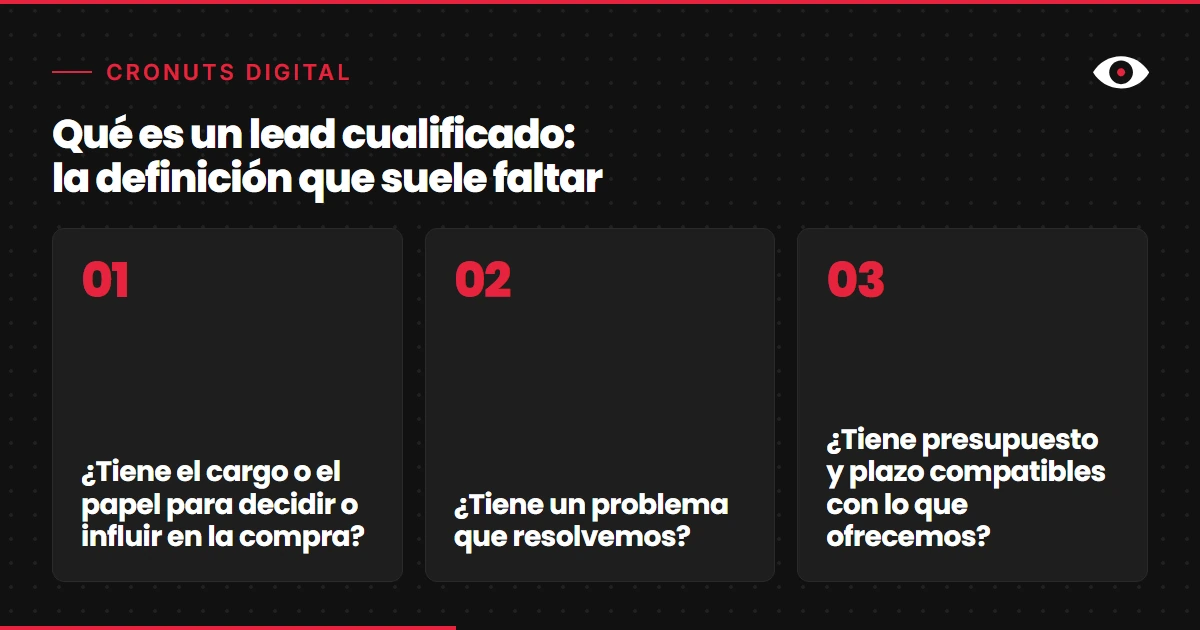
Lead scoring is the same thing made systematic: points or labels based on the form answers and the contact’s behaviour. Start with those three criteria and adjust them with what sales confirms. A twenty-field model that nobody reviews does not improve any decision.
Asking for more data in the form filters, but it also reduces the number of forms. That is a decision made with the table in front of you, not by intuition.
The answers don’t have to be perfect on day one. What matters is that they are written down and that both teams apply them the same way. If marketing qualifies with one criterion and sales with another, the table mixes two definitions and stops being useful for deciding.
From click to sale: sending the data back to the platform
When the CRM records which leads reach opportunity or sale, that information can go back to the ad platform. Google Ads lets you import offline conversions, linked to the click identifier (GCLID) or to hashed customer data. For the identifier route, its help says it must be stored together with the contact’s data.
At cronuts.digital we connect each lead with the channel and campaign that originated it. You can see how we approach it in our analytics and attribution work.
You don’t need to start with a full integration. Before automating anything, I would check with sales whether the opportunities the CRM marks match the campaigns the report considers good. If they don’t, the platform is learning from a signal that is not yours, and sending it the CRM data is how you correct it.
Want your campaigns to learn from sales and not from forms?
Start with an initial diagnosis of how CRM data reaches your campaigns today. Free diagnosis
What I would do this week
I would take the last twenty paid leads and classify them by hand with sales: qualified, doubtful or not qualified, and the reason. I would note which campaign each one came from. That gives a first reading of quality by campaign, with no new tools.
Then I would write in one sentence what a qualified lead is for us and ask sales to mark it in the CRM. And I would not touch the budget until I had a month of data with that mark.
After that month I would repeat the per-campaign table with the CRM mark and put it next to the cost per lead report. Where the two readings don’t match is the conversation with sales that was long overdue, and probably the first campaign whose budget should be cut.
If you want to know which campaigns in your account bring customers and which only bring forms, start with the free diagnosis.